


50% OFFPricing
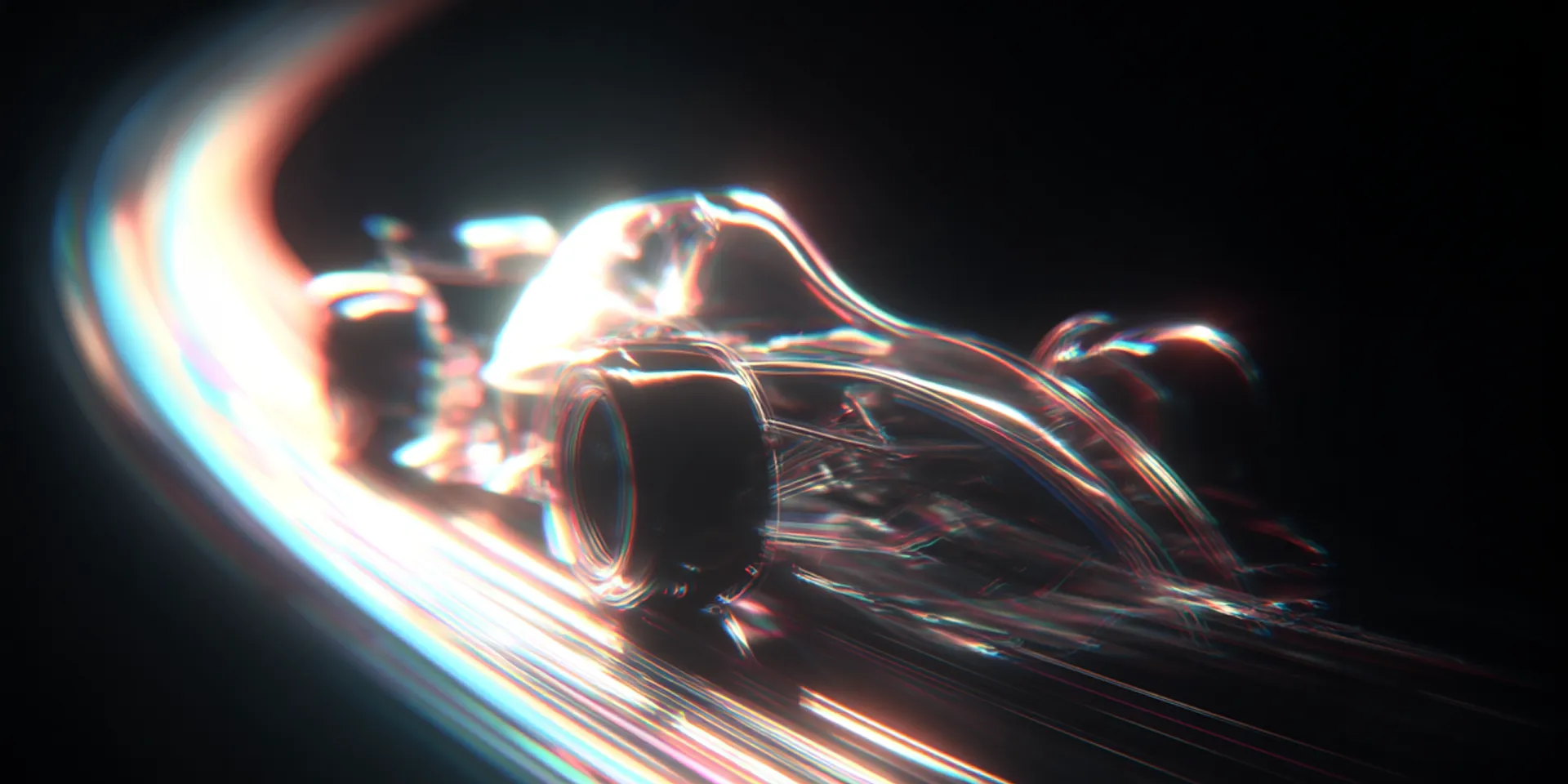
GPT Image 2.5 AI image generator hero still

GPT Image 2.5: Flare for speed, Sunburst for precision edits, 1K–4K output.

Write a prompt or upload references—GPT Image 2.5 (ChatGPT Images 2.5) generates and edits with Flare or Sunburst, up to 16 references, in the picmovi image studio.

Grok Imagine 2.0 AI model logoGrok Imagine 2.0
GPT Image 2.5 AI model logoGPT Image 2.5
GPT Image 2 AI model logoGPT Image 2
Nano Banana Pro AI model logoNano Banana Pro
Seedream 5.0 Pro AI model logoSeedream 5.0 Pro
Wan 2.7 Image AI model logoWan 2.7 Image

GPT Image 2.5 Prompt Gallery

Text to Image and Image to Image prompts for Flare and Sunburst—typography, product, and precise edits.

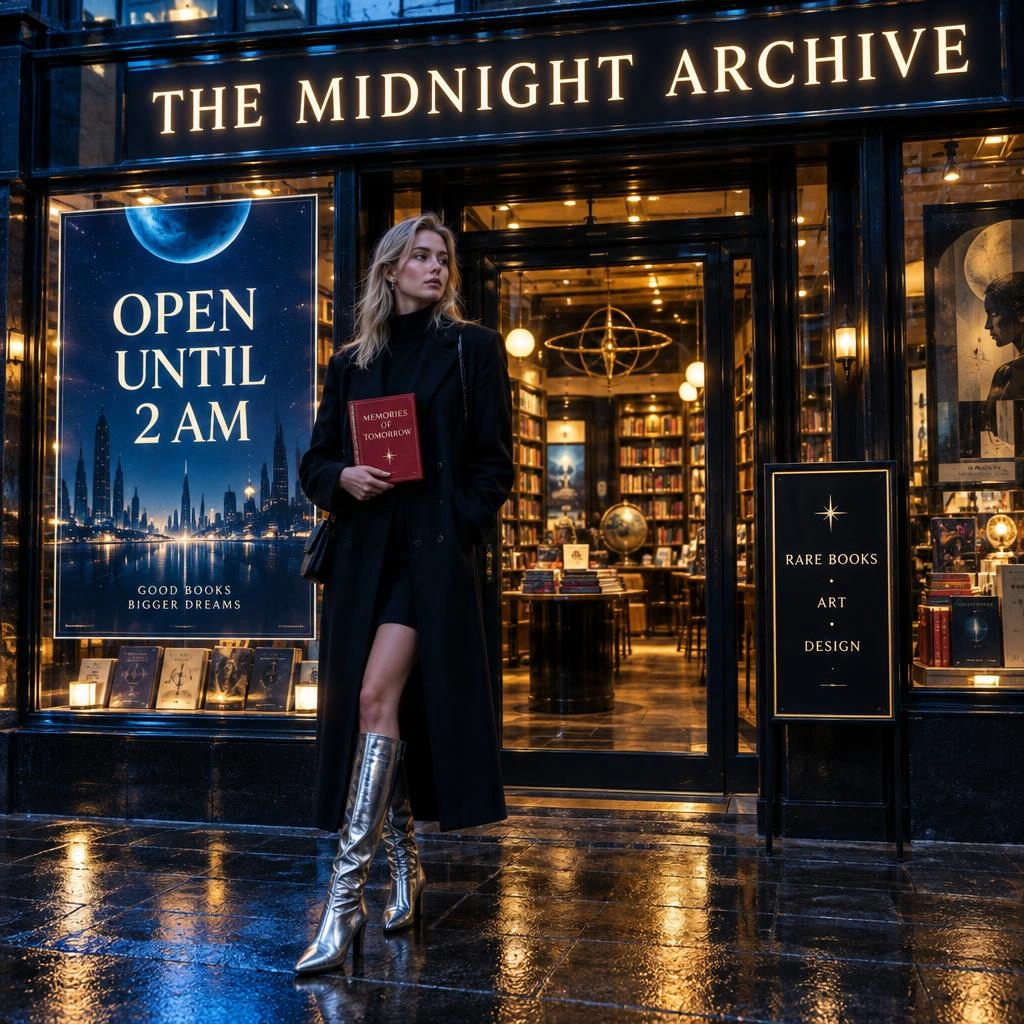
AI Image Generator prompt example 1 - text to image and image to image showcase
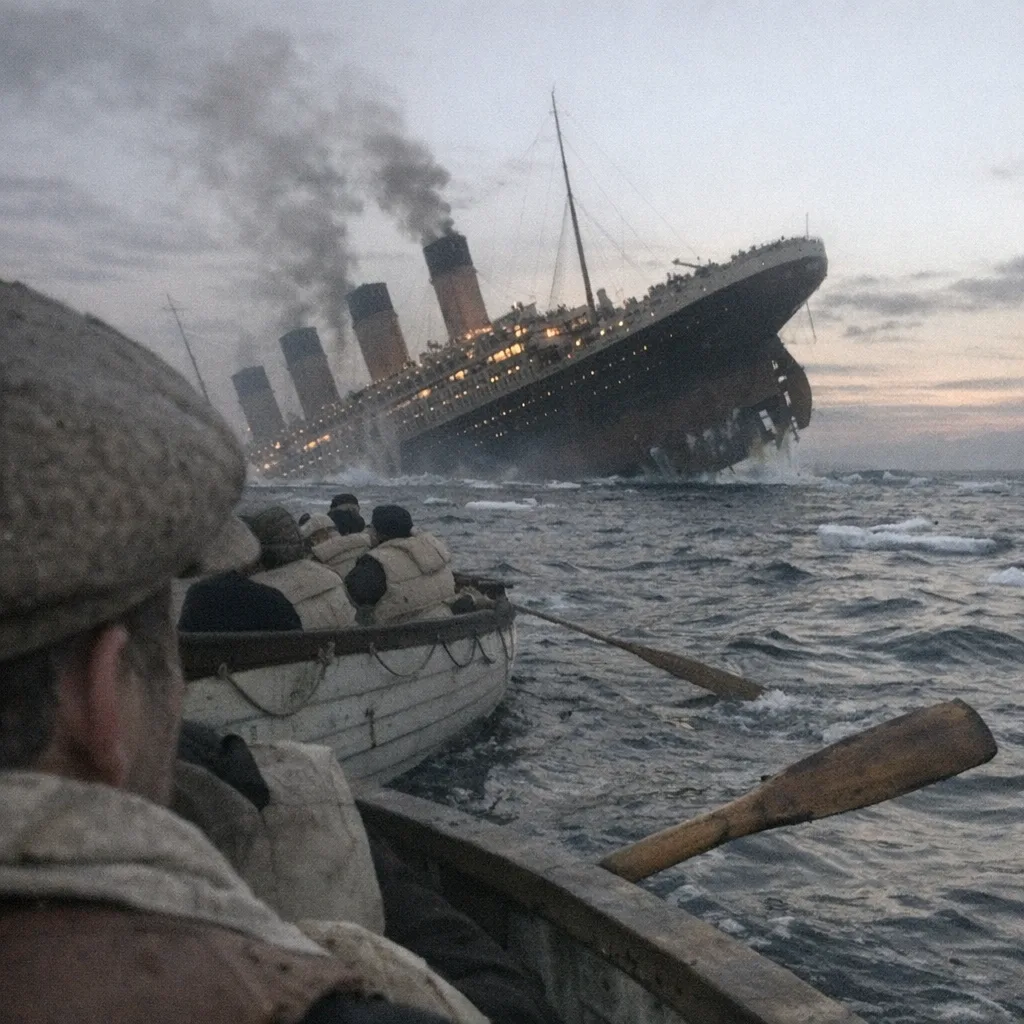
AI Image Generator prompt example 2 - text to image and image to image showcase
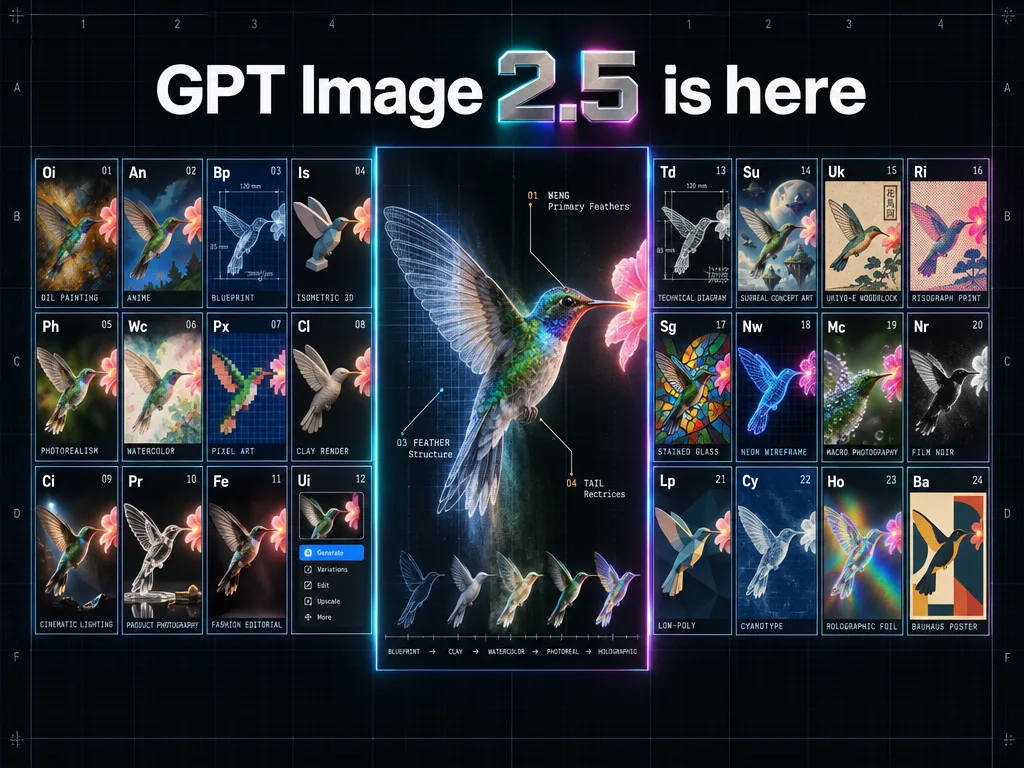
AI Image Generator prompt example 3 - text to image and image to image showcase
AI Image Generator prompt example 4 - text to image and image to image showcase
AI Image Generator prompt example 5 - text to image and image to image showcase
AI Image Generator prompt example 6 - text to image and image to image showcase
AI Image Generator prompt example 7 - text to image and image to image showcase
AI Image Generator prompt example 8 - text to image and image to image showcase
AI Image Generator prompt example 9 - text to image and image to image showcase
AI Image Generator prompt example 10 - text to image and image to image showcase
AI Image Generator prompt example 11 - text to image and image to image showcase

Why GPT Image 2.5

GPT Image 2.5 Model Advantages

OpenAI’s GPT Image 2.5 via Kie on picmovi: Flare or Sunburst, Text to Image and Image to Image, 1K / 2K / 4K, up to 16 references.

GPT Image 2.5 Flare vs Sunburst positioning graphic
OpenAI 2.5

Flare and Sunburst in One Studio

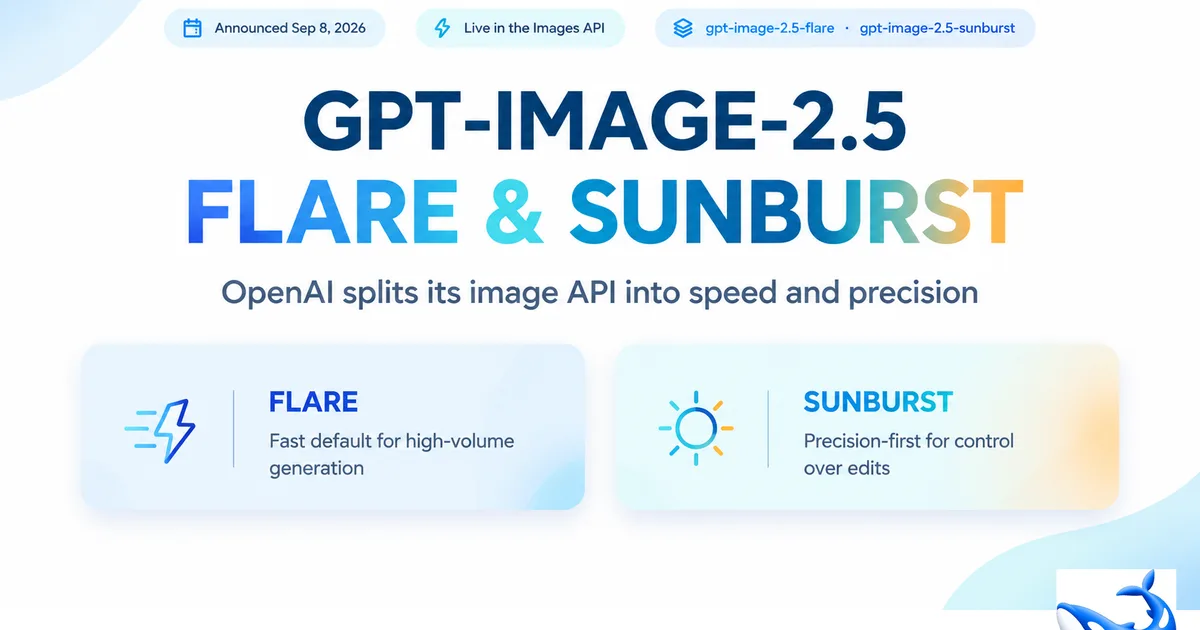
ChatGPT brands this release Images 2.5. The API (and picmovi’s Kie routes) split it into GPT-Image-2.5 Flare for everyday speed and GPT-Image-2.5 Sunburst for slower, tighter creative control—same prompt, ratio, and resolution controls here.

GPT Image 2.5 Flare photorealistic text-to-image example
Flare speed

Up to 50% Lower Latency

GPT-Image-2.5 Flare is the default for social, prototyping, and high-volume pipelines—OpenAI’s claim is higher quality than GPT Image 2 at up to 50% lower generation latency.

GPT Image 2.5 Sunburst high-fidelity generation example
Sunburst precision

Campaign-Ready Detail

Sunburst spends more compute per image for tighter edit control and polished product or brand assets when Flare’s draft is not enough.

GPT Image 2.5 reference-preserving portrait example
Reference fidelity

Keep Subjects Recognizable

Reference-based creation holds faces, products, and places more consistently while you change environment, style, or lighting—up to 16 input images on Image to Image.

GPT Image 2.5 image-to-image local edit example
Precise editing

Describe the Change, Keep the Rest

OpenAI positions 2.5 as stronger at following edit instructions on a source image. On picmovi that means Image to Image plus a prompt—not a mask brush. Re-run with the previous output as a reference to iterate.

GPT Image 2.5 layout and aspect-ratio composition example
1K–4K + ratios

Output for Every Channel

Render 1K, 2K, or 4K across auto, square, portrait, landscape, and ultra-wide ratios so the same brief ships as a thumbnail, hero, or print-ready still.

How to Use GPT Image 2.5 in 4 Steps

Text to Image or Image to Image—pick Flare or Sunburst in the studio, then generate 1K–4K.

1

Write a prompt or upload references

Describe lighting, layout, and any on-image text. For Image to Image (image editing), upload up to 16 references so GPT Image 2.5 can preserve faces, products, and brand details.

2

Open the studio and set Flare or Sunburst

Generate from this page opens the image studio on GPT Image 2.5. Flare is the fast default; Sunburst spends more time for campaign-ready product shots. Then pick 1K, 2K, or 4K and an aspect ratio (including auto).

3

Generate, then refine with Image to Image

Each run is a new job. To iterate, switch to Image to Image, upload the last result plus any extra references, and describe only what should change. There is no ChatGPT-style comment thread or brush/mask editor.

4

Download watermark-free

Export ads, ecommerce listings, posters, and UI-style mockups. 1K is Unlimited on eligible plans; 2K and 4K use SOTA credits.

Why Choose GPT Image 2.5?

ChatGPT Images 2.5 on picmovi—speed, edit control, and 1K–4K in one studio.

01

Flare vs Sunburst, one picker

GPT-Image-2.5 Flare is built for lower latency and everyday volume. Sunburst is the precision tier for production-ready campaign creative and polished product imagery—switch in the bottom bar without leaving the workspace.

02

Prompt-based image editing

Image to Image sends your prompt plus up to 16 input images to the Flare or Sunburst edit endpoint. Describe what to change (background, color, copy). picmovi does not include a region mask or ChatGPT Sketch comments—instruction following is the model’s, not a local inpainting tool.

03

Stronger reference fidelity

Keep faces, products, and places recognizable across new scenes. Upload multiple references (up to 16) for character lock, catalog variants, and branded visual language.

04

Complex briefs and in-image text

Layered prompts with layout, style, and typography are the 2.5 pitch versus GPT Image 2. Spell headlines exactly. picmovi does not expose OpenAI’s separate background=transparent API flag—ask for a cutout in the prompt if you need it.

Who Uses GPT Image 2.5

Teams that need ChatGPT Images 2.5 for faster drafts, precise edits, and 4K-ready product or campaign assets.

GPT Image 2.5 social and campaign graphic example

Performance marketers and social teams

Spin campaign graphics, thumbnails, and offer creatives quickly with Flare, then polish hero ads on Sunburst—without losing slogan text inside the image.

GPT Image 2.5 ecommerce product photography example

Ecommerce and product marketers

Generate listing shots, packaging concepts, and lifestyle scenes from product references so SKUs stay recognizable while lighting and backgrounds change.

GPT Image 2.5 precise image editing example

Designers and retouch workflows

Use Image to Image with a source photo: describe background, outfit, or copy changes, then generate again with the last result as a reference. There is no mask or comment thread.

GPT Image 2.5 layout and typography graphic example

Presentation and layout designers

Build posters, slides, and packaging comps where in-image headlines, transparent backgrounds, and 4K output matter—then iterate with Image to Image instead of starting over.

Frequently Asked Questions about GPT Image 2.5

GPT Image 2.5 is OpenAI’s image model released 8 September 2026. ChatGPT calls it ChatGPT Images 2.5. The API (and picmovi’s Kie jobs) uses two models: GPT-Image-2.5 Flare and GPT-Image-2.5 Sunburst. The image studio offers Text to Image and Image to Image with 1K, 2K, or 4K and the listed aspect ratios.
They are two Kie model IDs, not OpenAI’s low/medium/high quality slider. Flare is the fast default OpenAI positions for everyday and high-volume work (claimed higher quality than GPT Image 2 at up to 50% lower latency). Sunburst is the slower precision model for campaign and product stills. Pick them in the Quality slot; both use the same prompt, ratio, and 1K–4K resolution.
OpenAI’s launch note says 2.5 improves detail, lighting, reference-subject preservation, and edit-instruction following versus Images 2.0 / GPT Image 2. That is vendor positioning, not a picmovi benchmark. Keep GPT Image 2 in the picker if you prefer the previous OpenAI look.
They are different providers. GPT Image 2.5 is the OpenAI Flare/Sunburst route with up to 16 references and 1K–4K. Nano Banana 2 is Google’s model in the same studio. Switch models if a job needs Banana’s look rather than OpenAI’s.
Yes. Switch to Image to Image, upload up to 16 images, and describe the change. The backend calls the matching Flare or Sunburst image-to-image endpoint with prompt, input_urls, aspect_ratio, and resolution. There is no brush, mask, or inpainting UI.
OpenAI lists stronger reference-subject preservation as a 2.5 improvement. Results still depend on prompt and photo quality. Use clear, well-lit references.
ChatGPT Images can refine in a conversation. picmovi does not keep a ChatGPT edit thread. Each generate is a new job: download or reuse the last image as a reference and prompt the next change.
OpenAI claims up to 50% lower generation latency versus Images 2.0 for Flare. Queue, 1K/2K/4K, and Sunburst vs Flare still change wait time on picmovi.
Resolution sent to Kie: 1K, 2K, or 4K. Aspect ratios: auto, 1:1, 3:2, 2:3, 16:9, 9:16, 4:3, 3:4, 21:9, 27:16, 16:27, 9:8, and 8:9. Eligible Unlimited plans cover 1K; 2K and 4K use SOTA credits (about 8 / 12 / 18 credits).
Ask for exact headline spelling in the prompt. Official OpenAI Images API has a background=transparent flag; picmovi’s Kie payload does not send that parameter. You can still prompt for a cutout or transparent look, but it is not a dedicated studio toggle.
No. Sketch comments and ChatGPT templates are ChatGPT-only. picmovi exposes Flare/Sunburst generate and edit: prompt, up to 16 references, aspect ratio, and 1K–4K.
New accounts get free credits to try it. On eligible Unlimited plans, 1K is included; 2K and 4K use SOTA credits (about 8 / 12 / 18 at 1K / 2K / 4K). This is picmovi billing, not ChatGPT Plus.
GPT Image 2.5: OpenAI Flare/Sunburst, up to 16 references, 1K–4K. Grok Imagine 2.0: xAI typography and Smart Resize, up to 5 references. Both are in the same picker.
Yes, subject to picmovi’s Terms and rights to any photos you upload. Paid exports are typically watermark-free for ads, ecommerce, and client work.

Ready to Create with GPT Image 2.5?

Generate and edit with Flare or Sunburst—Text to Image, Image to Image, 1K–4K, up to 16 references. Watermark-free downloads on paid picmovi plans.